

Blog
Toolbox Talk Videos: One Shoot Day, a Year of Monday Mornings
Every site runs toolbox talks. Every site also knows that the quality of a toolbox talk depends on who's giving it, how tired they are and whether the printout from head office made any sense. A set of short toolbox talk videos fixes the consistency problem without taking the conversation away from the supervisor.
What a toolbox talk video is
A 60 to 90 second clip on one hazard or one message, filmed on your site with your people, that a supervisor plays at the start of the talk. It doesn't replace the discussion. It starts it, and it makes sure every crew on every shift sees the same thing.
Why one shoot day works
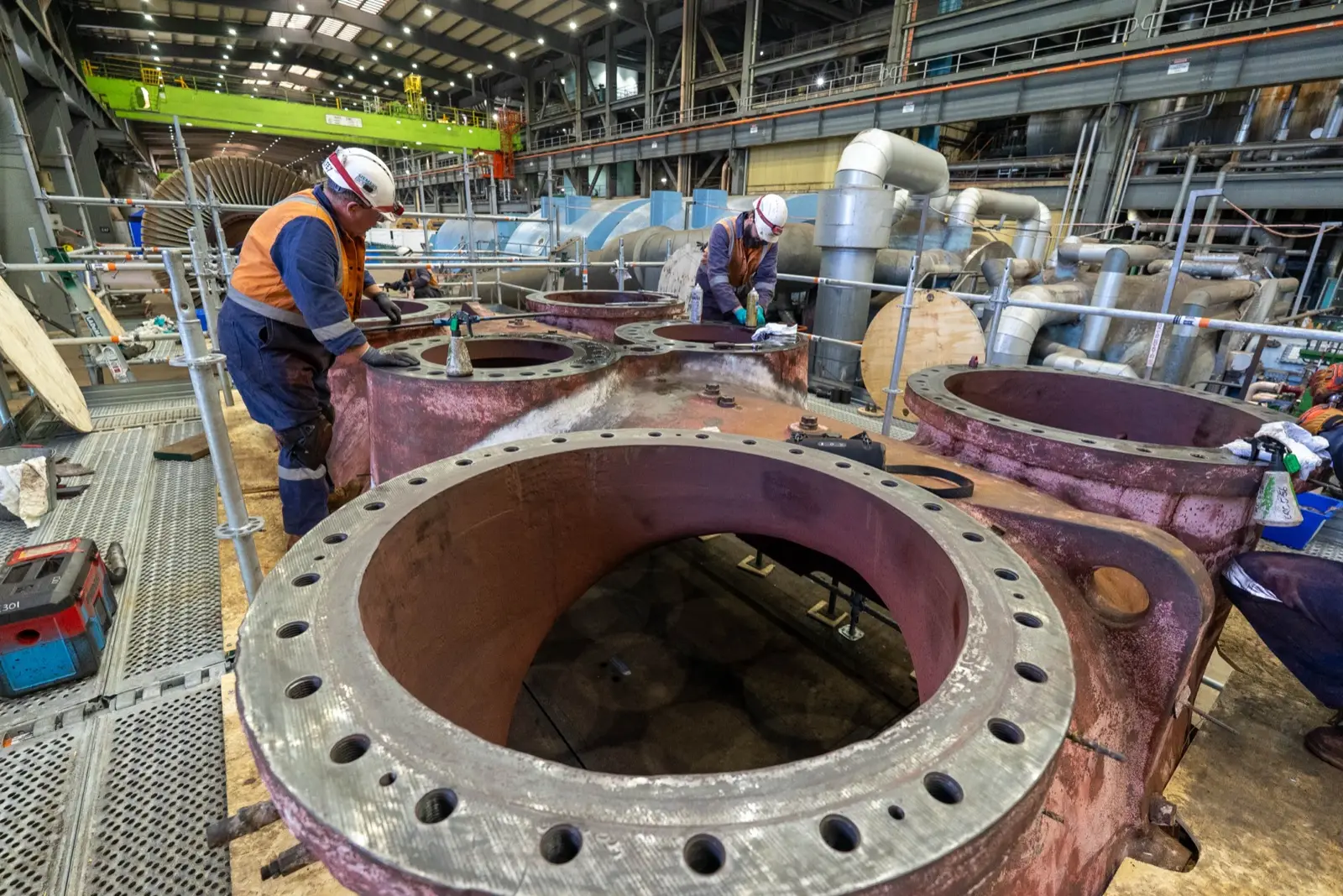
Toolbox talk videos are short, so they're efficient to film. In one planned day on site, a crew can film eight to twelve of them: a hand injury message in the workshop, a mobile plant message in the yard, an isolation reminder at the switchboard, a heat message in summer gear. Edited into a set, that's a quarter's worth of Monday mornings, or a year's if you run them monthly.
Picking the twelve
Start with your incident and near-miss data. The hazards that keep showing up are the ones worth a video. Then add the seasonal ones (heat, storms, fatigue over the holiday period) and the ones tied to a procedure change. Your safety team already knows the list. The job is to get it down to twelve and put them in order.
Keeping them short
One hazard, one message, one call to action. If a clip needs a second message, it's two clips. The discipline is the same as a good toolbox talk: say the thing, show the thing, ask the question, move on.
Who's on camera
Your own people. A leading hand explaining why she checks the exclusion zone every time carries more weight than any presenter. Film them doing the task properly, in the right PPE, and let them explain it in their own words. If someone isn't comfortable on camera, don't film them; there's always someone else who is.
Rolling them out
- A folder on the shared drive and a link in the toolbox talk template.
- A QR code on the noticeboard, so the clip plays on a phone in the crib room.
- Your LMS, if you want a record of who's seen what.
- One clip a week on the internal comms channel, so people who missed the talk still see it.
Refreshing the set
Each year, retire the two or three that have done their job and film the next few. Because the project files are kept, the set grows without starting from scratch.
We plan and film toolbox talk sets on operating sites, with the tickets to be there. See how we make safety videos or get in touch.