

Blog
How to Use Your Capability Video Across Every Channel
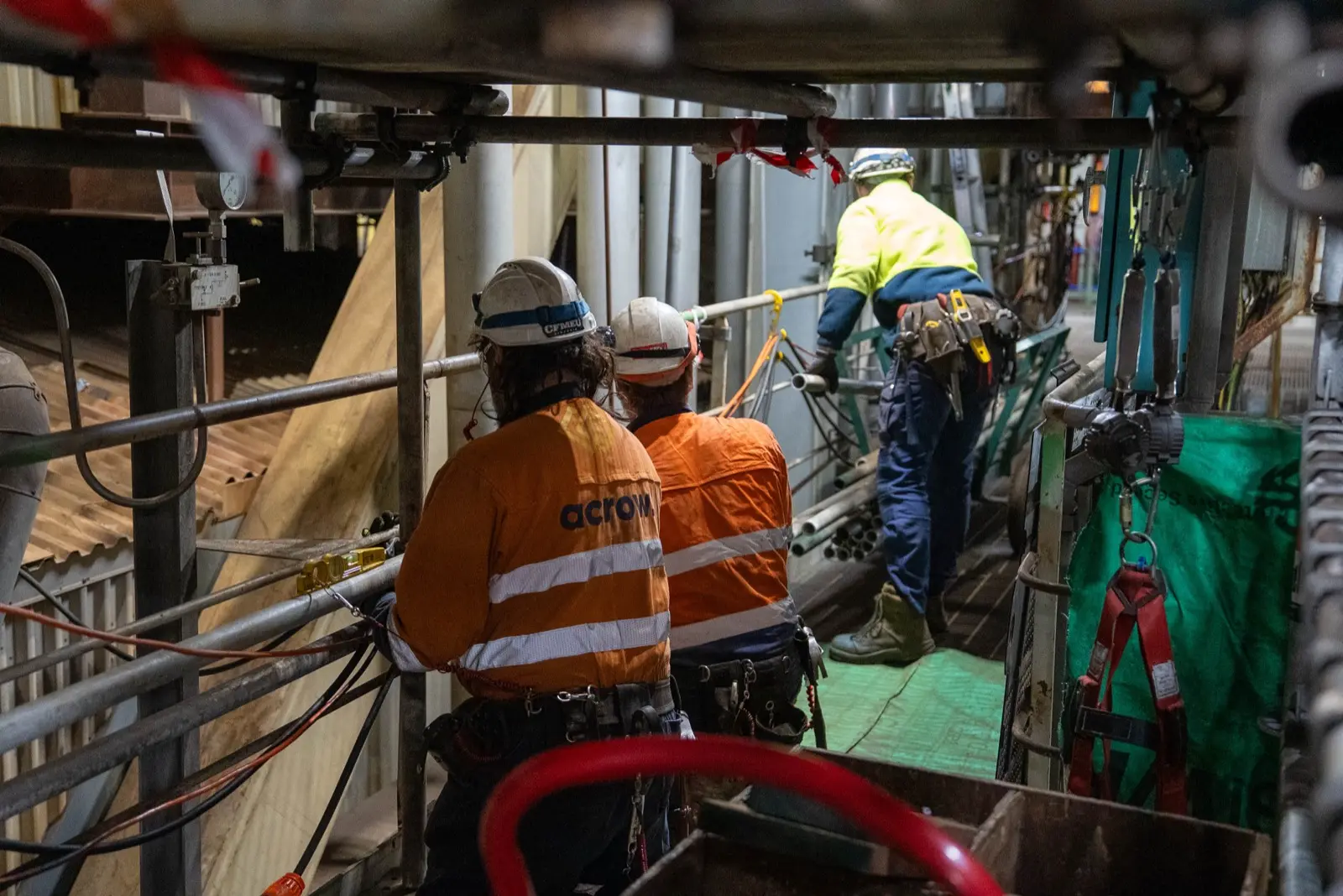
Too many good videos end up on a homepage and nowhere else. A capability video is one of the most flexible things a business can have, as long as you plan where it's going to be used.
1. Your website
Put it where people decide whether to contact you: the homepage or your services page. It tells visitors in a minute or two what would take them ten minutes to read.
2. Tenders and capability statements
Add a link to tender submissions, capability statements and pre-qualification documents. It's the easiest way to show a panel your people and your work, rather than just tell them.
3. LinkedIn
LinkedIn is where clients, partners and future employees in industrial sectors spend time. Short edits, with captions, work well there, and they can be shared by your own staff too.
4. Recruitment and onboarding
A version of your capability video works on your careers page and in onboarding, showing new people the business they've joined. For hiring specifically, see how to use recruitment videos.
5. Presentations and meetings
Open a client presentation, a board meeting or a community information session with a short video. It sets the scene and frees you up to talk about the job at hand.
6. Trade shows and events
A loop on a screen at your stand draws people in. For this one, make sure there's a version that works without sound.
Plan the versions up front
The trick is knowing where the video will go before we film, so we can capture the right shots and deliver:
- A main 16:9 version for your website, tenders and presentations
- Square and vertical versions for social media
- Captioned versions for anywhere people watch with the sound off
We keep the project files, so when you need a new version later (an updated team, a new project), it doesn't mean starting again.