

Start-up and shutdown
The right order, the checks before you start, and how to stop the machine safely.
Machine operator videos
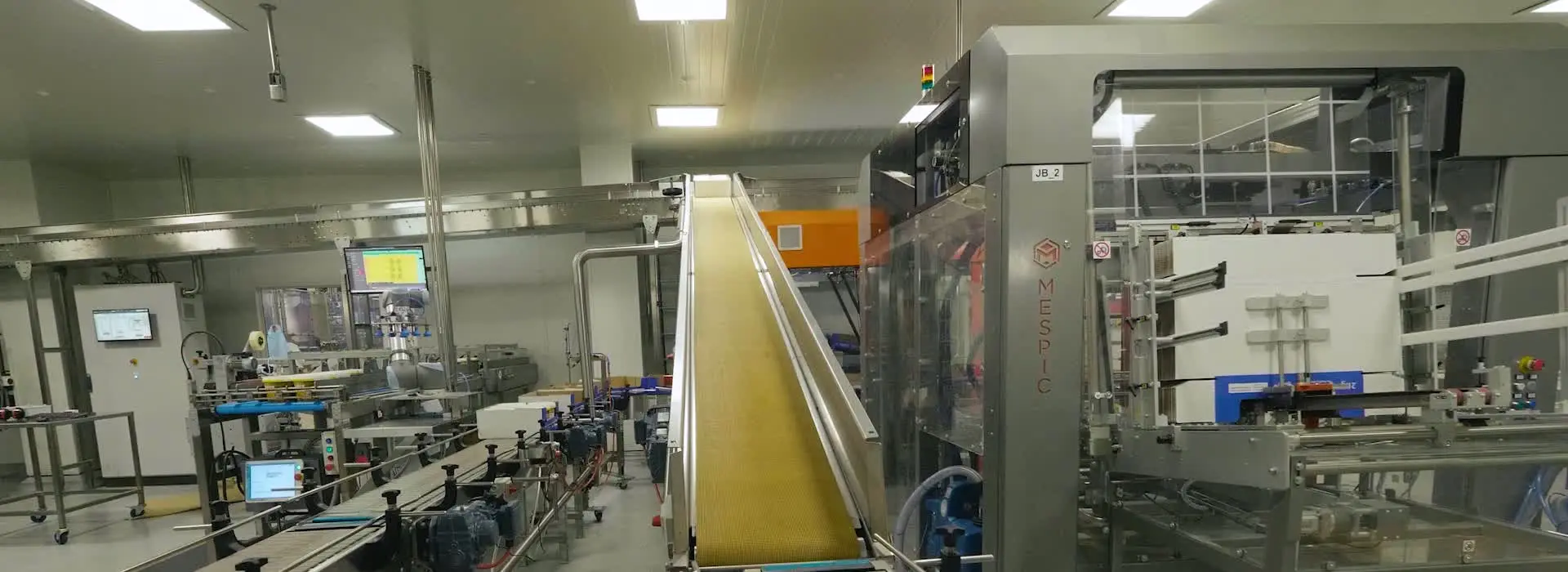
Short vertical videos that show operators how to run a machine safely, filmed on your floor with your own people. A QR code on the machine opens the right clip on a phone, at the moment someone needs it.
The problem
A lot of plants already have QR codes on their machines. Often the clips behind them were filmed years ago, on an old setup, by someone who has since moved on. Operators stop scanning them and ask whoever is nearby instead.
A 20-page procedure in a folder doesn't help much at 3am on a changeover either. People need to see the step, on the machine in front of them, in a minute or two.
What we film
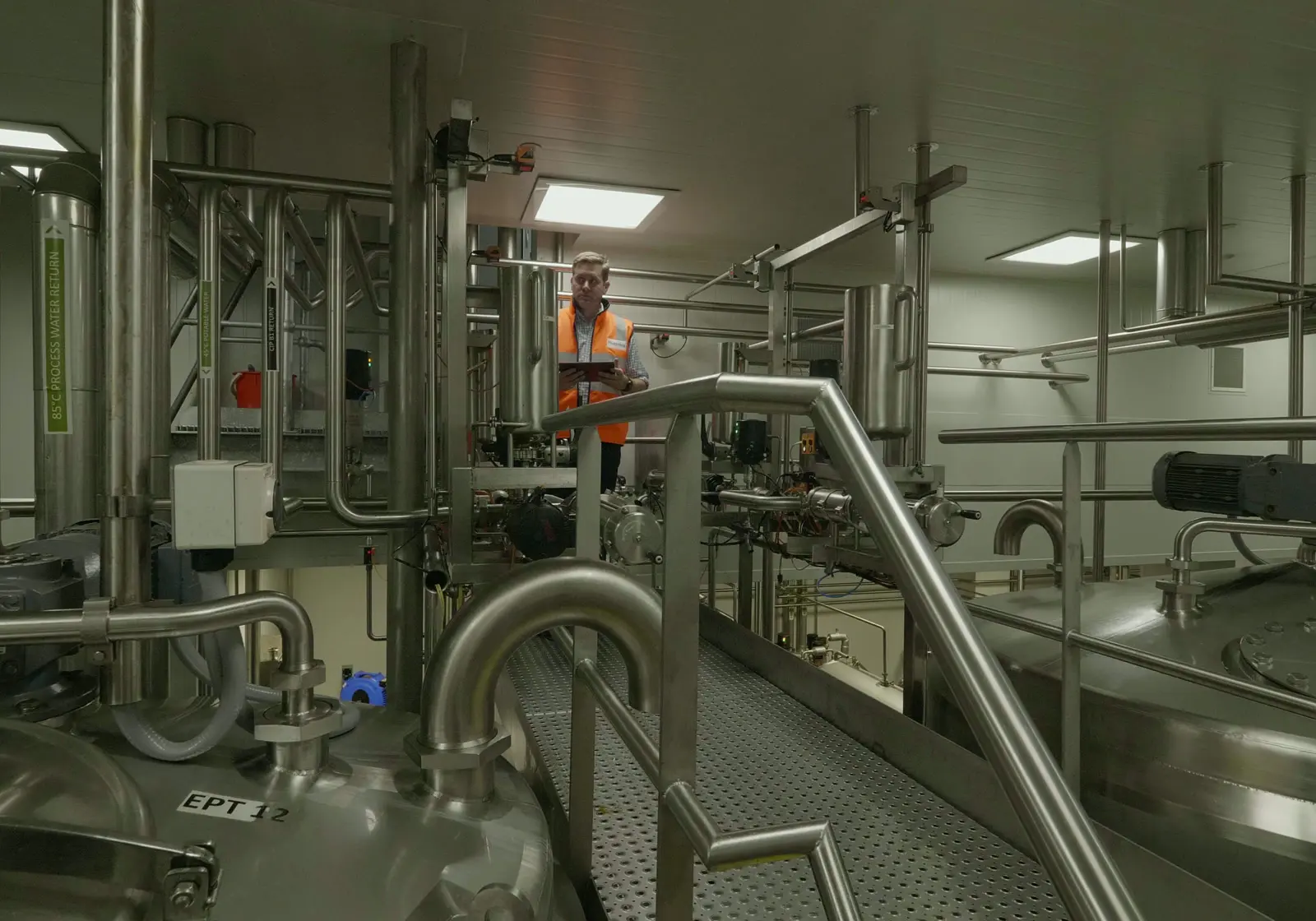
The right order, the checks before you start, and how to stop the machine safely.
Product, size or format changes, shown step by step so every shift does it the same way.
Cleaning and sanitising routines, including clean-in-place (CIP) checks, filmed to your own procedures.
The common stoppages and how to clear them safely, isolation first.
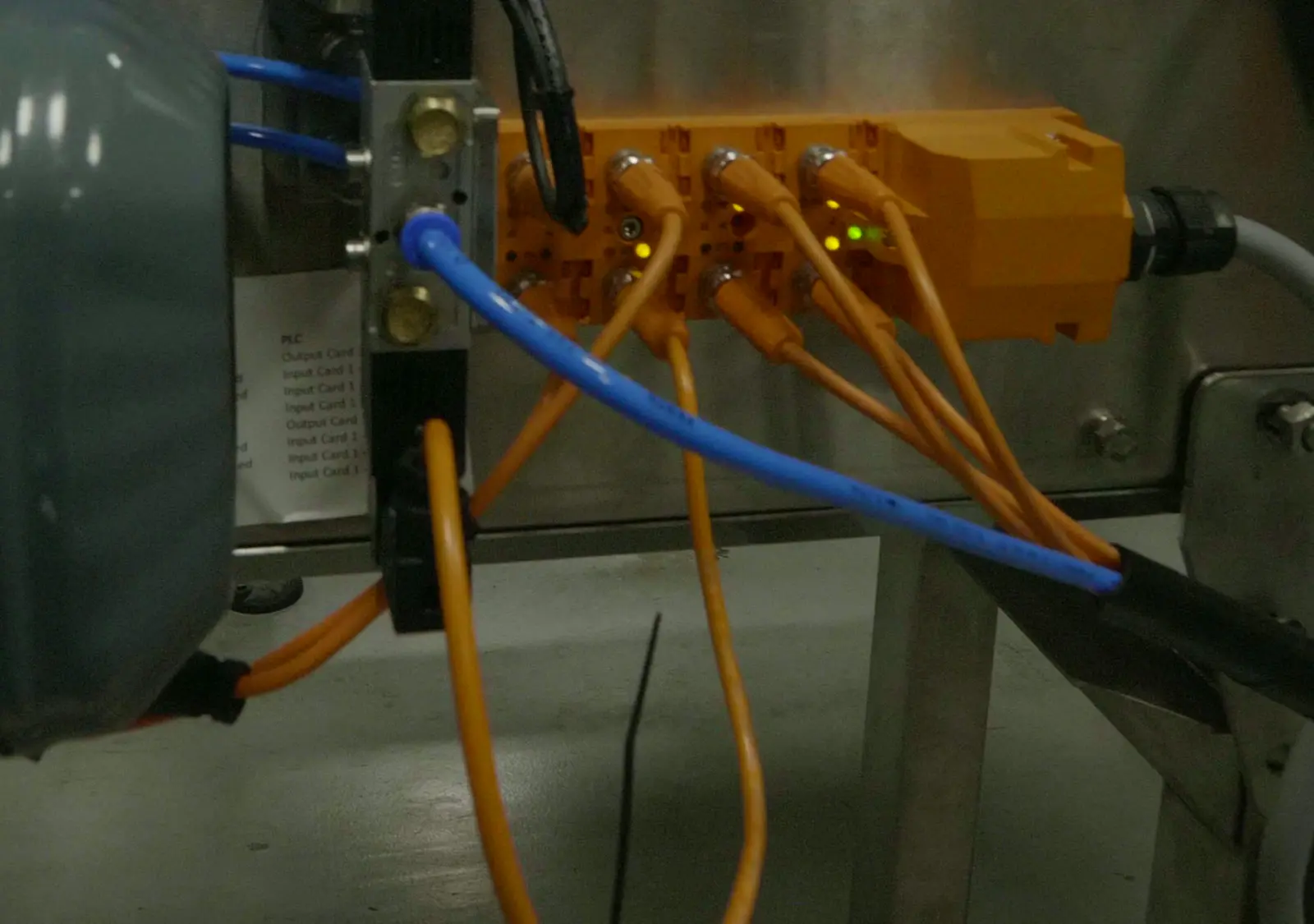
Where the isolation points are and how to lock out, shown on the actual machine.
What a good product looks like, what to measure, and what to do when it's out.
Keeping it current
Where the QR link allows it, we can film the new version of a step and replace the video behind it, so the sticker on the machine stays put. We keep your project files, so updates start from what we already have.
Clips are delivered as video files you can use in induction and training. Packaging for a learning system (such as SCORM) can be quoted separately through a partner.
Choose three to five machines on one line, where mistakes or downtime cost the most.
Pre-production with your people: which tasks, in what order, and what goes wrong most. Your site, hygiene and safety rules go into the plan.
Filming days are planned around your production schedule, and the quote sets out how many are needed. We bring our own PPE and tickets, and follow your site and hygiene rules.
You review each clip, we make the changes, then the QR codes go live. See how operators use them before deciding on the rest of the plant.
FAQs
Start a Project
Whether it's a community consultation video, ongoing construction documentation or a safety induction suite, we'd love to hear about your project.